
Tech troubles?
This post may contain affiliate links and Corporette® may earn commissions for purchases made through links in this post. As an Amazon Associate, I earn from qualifying purchases.
 Hi all — we've noticed a few comments that the site has looked funny (some people mentioned it looked “gray.”) We haven't noticed a problem, but we've deactivated some newly-added plugins (they were supposed to help the images on the site load faster), in case those were causing problems. If it's recurring, can anyone be more specific? Which browser are you using, and what are the problems? We'll be your best friend if you can send us a screen cap of the problem (editor@corporette.com). Many thanks…
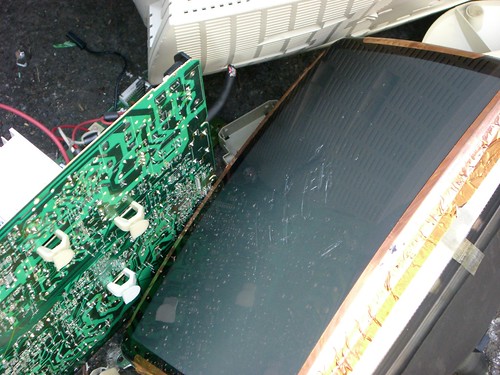
Pictured: Broken computer, originally uploaded to Flickr by miss_rogue.


Hi. I was using Mozilla Firefox. The site was gray and the images took a while to download. Also, the format of the site was really off and the masthead didn’t appear. I don’t have a screenshot because whatever plug-ins you disabled seemed to have worked and the site looks normal again. Thanks!
It has been gray and oddly formatted since Monday (Firefox), but lo and behold, it’s normal again!
I’m using FF 3.5 on the PC and had the same problem only once. My browser is already set up to disable most of the plug-ins, so I am not sure if that was the problem or not.
I use IE and was having similar problems. Site looks normal today. I think it was the plug-ins. Thanks for fixing!
I use IE too and was having the problems – back to normal now though, thanks!
IE 7. Back to normal now.
I’m using IE7, and yesterday the site seemed to be missing all formatting – back to normal today
The plug-ins didn’t make it past my work’s security, so I kept getting scary warning pop-ups. They are gone now – thank you!